Minecraft mods
Small changes that make your world feel more like yours. Explore the mods, find your settings, and get ready to play.
Explore the mods
Fabric mods for Minecraft Java Edition, with in-game previews, settings and installation guides for single-player and multiplayer worlds.
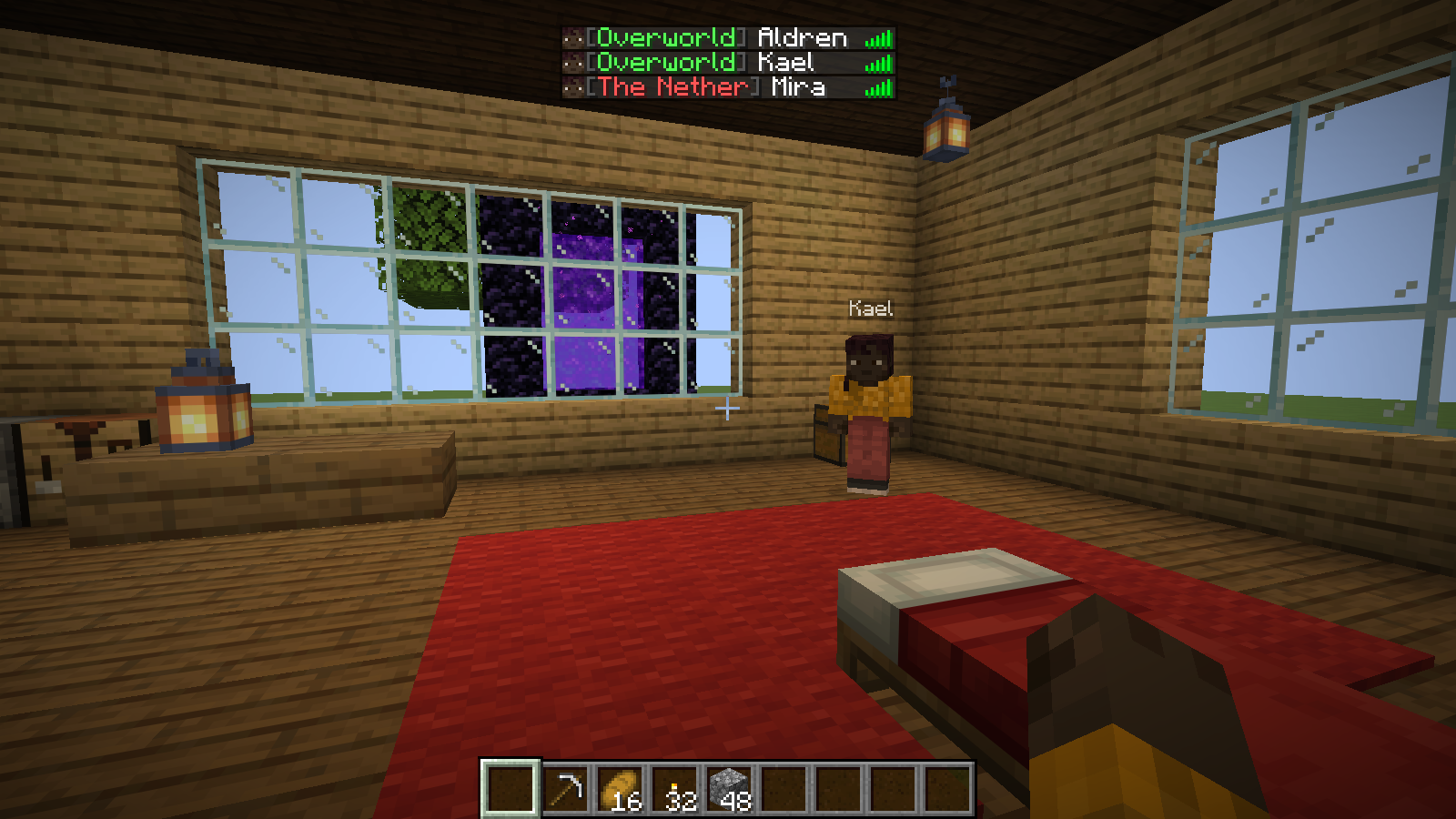
Dimension Notifier
Know which world your friends are in.Keep track of friends across worlds, with arrival notices and optional coordinates for your own travels.
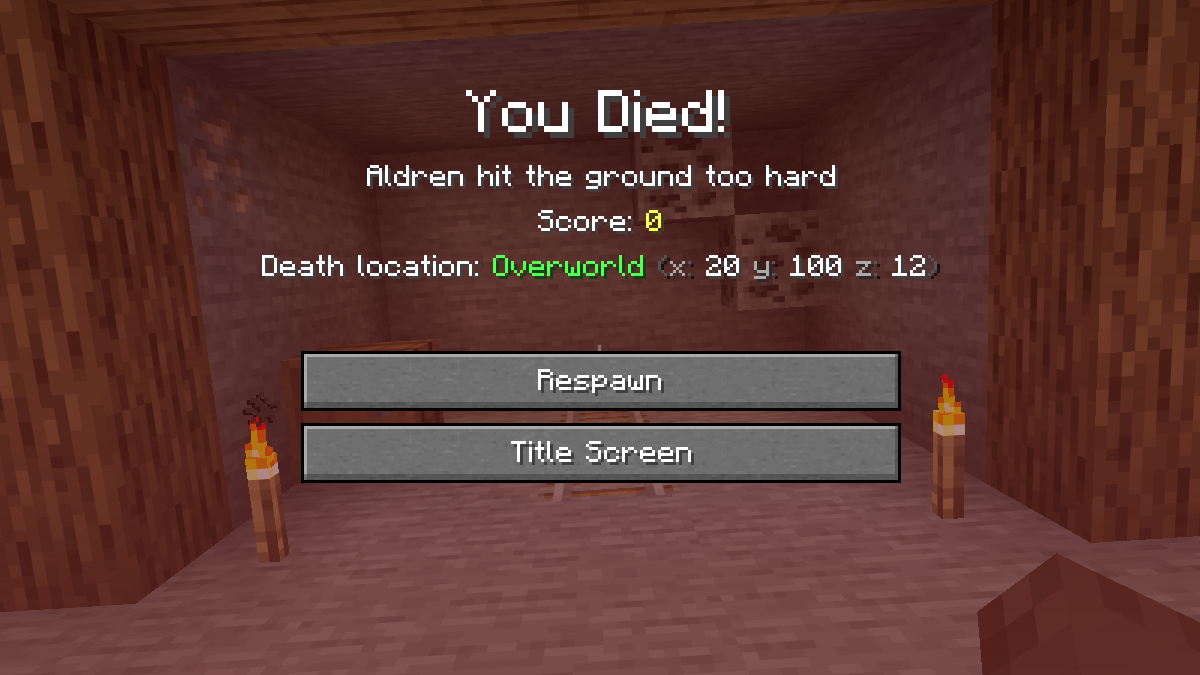
Death Respawn Notifier
Know where your last journey ended.Keep the location of a death in view and see when friends are ready to rejoin the adventure.
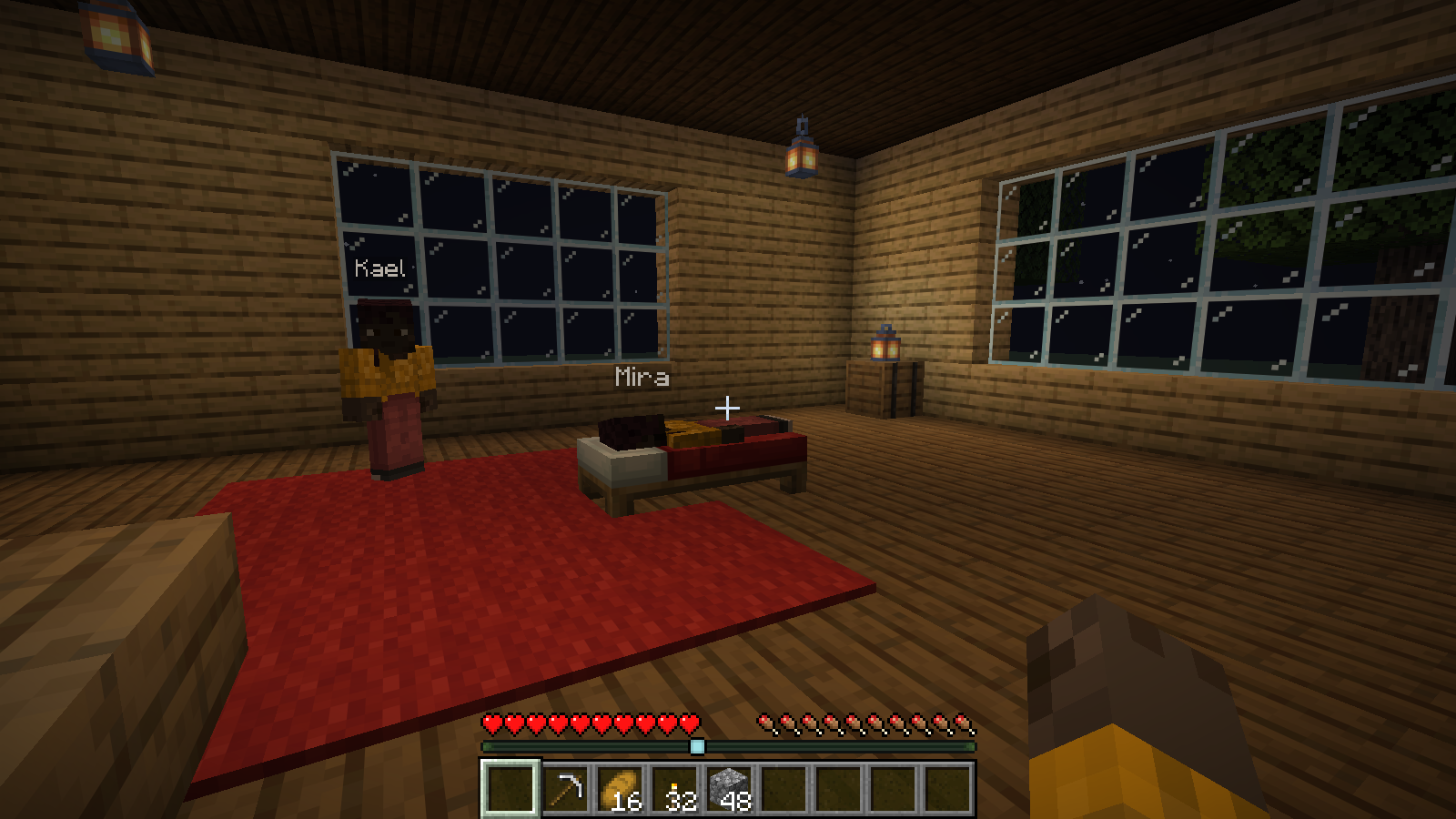
Improved Sleep
Set sleep rules that fit your world.Choose how many players need to sleep, when they wake, and whether a good night earns a reward.
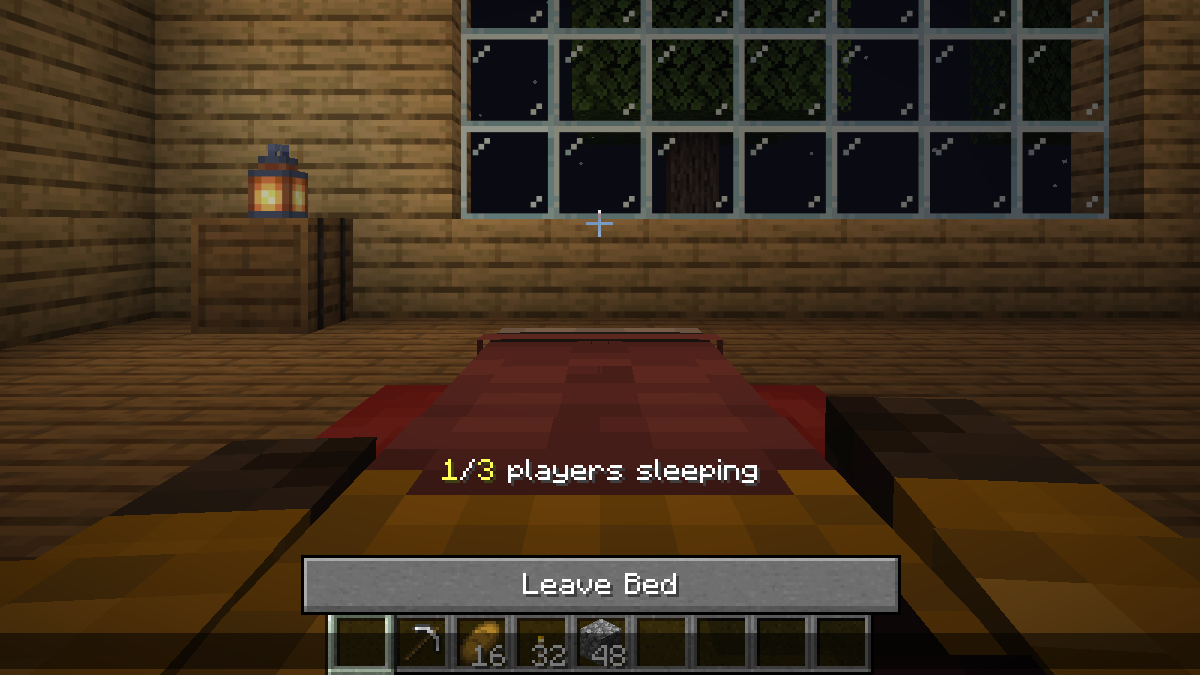
Sleep Wake-Up Notifier
See how close your world is to morning.See how many more sleepers are needed and get a clear update when a new day begins.


Make it yours
Your world. Your settings.
Prefer quieter travel notices, useful death details or one-player sleep? Open the mod’s settings in Mod Menu and choose what fits your game.
Mod Menu is an optional client install. Personal display choices affect your computer; world rules belong to the host. Changing a remote world requires operator permission. Improved Sleep has world settings only.
New to mods?
Your first mod,
step by step.
A mod adds features or changes how Minecraft works. These mods run in Minecraft Java Edition on a computer, using Fabric Loader.
Playing Bedrock Edition, on a console or on a phone? These Java mods won’t work in that edition.
Explore the modsHow do you play?
Choose the situation that fits you.
I play single-playerSet up your own game on your computer.
Pick a mod
Open its card above. The guide explains what it does and which Minecraft version to use.
Set up Fabric, then add the files
Follow that mod’s “Single-player” instructions to install Fabric Loader and put the mod and any required dependencies in your game’s
modsfolder.Launch your Fabric game
Select the matching Fabric installation in the Minecraft Launcher. Back up an existing world before opening it with new mods.
I run a serverAdd mods to a world you host for other players.
Check the mod’s server guide
Open a mod above and choose “I run a multiplayer server.” Check the supported Minecraft version and whether joining players need it too.
Prepare the server
Back up your world and stop the server. Set up Fabric for the matching Minecraft version, then add the mod and its dependencies to the server’s
modsfolder.Restart and check
Start the server and check its logs for errors. Tell players which files, if any, they need before joining.
I join someone else’s serverFind out what you need before installing anything.
Ask the server owner whether the mod is installed and whether players need a copy. Installing it on your computer does not add it to their server.
If they ask you to install it, use the same Minecraft version and required files. Each mod’s “I join someone else’s server” guide explains its player requirements.
What are Fabric, Fabric API and Modrinth?
- Fabric Loader
- The software that lets Minecraft load Fabric mods.
- Fabric API
- A separate library mod that some mods need. Install it when the release lists it as a required dependency.
- Modrinth
- The site that hosts these mod downloads, release notes and dependency lists.